




































Mastering Bunny Hop in CS2: Essential Codes and How-To Guide
Learn how to perform bunny hop in CS2 using essential commands. Enable developer console, enter specific codes, and boost your movement in Counter-Strike.
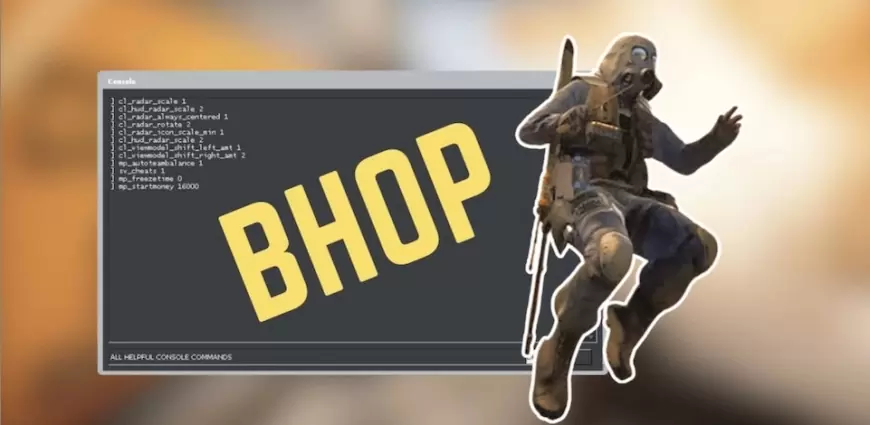
What is Bunny Hop?
Bunny hopping, first popularized in late 1990s games like Quake, is a movement technique that allows players to increase their speed by jumping continuously. In Counter-Strike and its successor CS2, mastering bunny hop can give you a significant edge by letting you move faster than normal running speed, making it easier to outmaneuver opponents on the battlefield.
Essential CS2 Bunny Hop Commands
To activate bunny hop in CS2, you'll need to enable the developer console and enter the following commands. These codes allow your character to maintain momentum and perform rapid jumps:
-
sv_cheats 1; -
sv_enablebunnyhopping 1; -
sv_maxvelocity 3500; -
sv_staminamax 0; -
sv_staminalandcost 0.050; -
sv_staminajumpcost 0.080; -
sv_accelerate_use_weapon_speed 0; -
sv_staminarecoveryrate 0; -
sv_autobunnyhopping 1; -
sv_airaccelerate 12;
Key command:
-
sv_autobunnyhopping 1– This is the core command that enables automatic bunny hopping when you hold down the jump key.
How to Enable the Developer Console in CS:GO/CS2
Before you can use these commands, ensure that the developer console is enabled:
-
Access Settings:
-
In the main menu, click the gear icon (Settings).
-
-
Navigate to the "Game" Tab:
-
Look for the option labeled “Enable Developer Console (~)” and set it to “Yes.”
-
-
Start an Offline Match:
-
Return to the main menu, click “Play,” and select “Offline with Bots” (this disables competitive restrictions).
-
-
Open the Console:
-
Press the tilde key (~) to open the console and enter the codes above.
-
Tips for Effective Bunny Hopping in CS2
-
Continuous Jumping:
Hold the jump key (default: space bar) while moving left (A) and right (D) alternately to maintain momentum. -
Bindings for Efficiency:
You can bind your mouse wheel for jump commands:-
bind "MWHEELUP" "+jump" -
bind "MWHEELDOWN" "+jump"
-
-
Practice Makes Perfect:
Mastering bunny hop takes time. Practice in offline mode to perfect your timing and movement.
Important Note
Keep in mind that these bunny hop commands might not work in every game mode or on all servers. Some competitive servers disable such cheats to ensure fair gameplay.
Conclusion
Bunny hopping in CS2 can significantly enhance your mobility and provide a tactical advantage during matches. By enabling the developer console and entering the essential codes, you can start practicing this advanced technique. Remember, consistent practice is key to mastering bunny hop, so spend some time in offline mode before taking your new skills into competitive play.
This comprehensive guide is tailored to help both newcomers and experienced players master the bunny hop technique in CS2. Enjoy your enhanced movement and take your gameplay to the next level!
What's Your Reaction?