






How to Enable Ray Tracing in Forza Motorsport
How to enable ray tracing effects in Forza Motorsport, a racing action game brought to players by the Turn10 team?

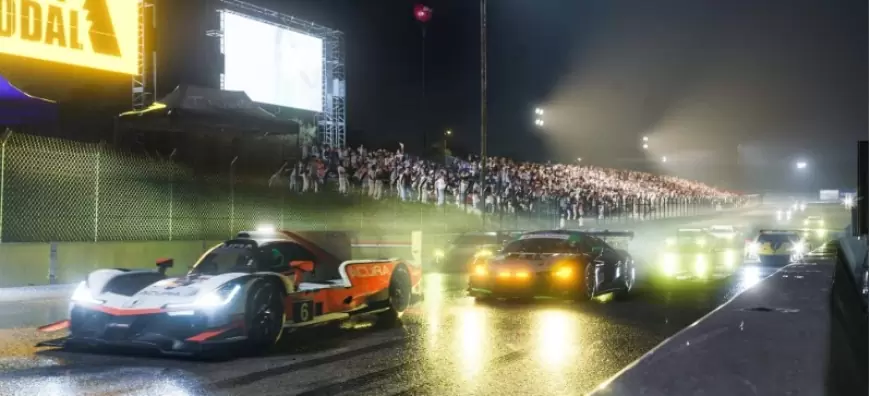
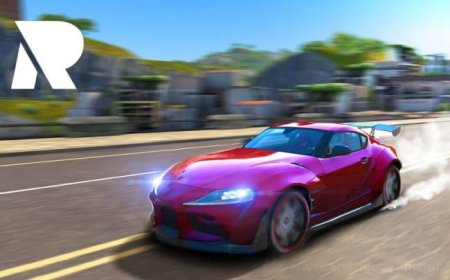
Almost all of you know the racing action game Forza Motorsport , presented to players by the Turn10 team. The production, which is generally loved by players and receives positive comments, has ray tracing effects , as you know . Many players are of course wondering how to activate these effects. In our news, we are preparing to go beyond this question and give you all the answers.
The game, as you know, was released in October 2023 and unfortunately did not come with ray tracing effects at launch. Almost a year after its release, players have figured out how to enable ray tracing effects. With these effects, the game's realism increases even more and at the same time, both the lighting and the environment quality are offered at a high level.
Enabling Ray Tracing in Forza Motorsport
Going into more detail, enabling Ray Tracing Global Illumination effects is of course a bit of a strain on your system, so make sure your system can handle it before enabling this setting.
To activate Ray Tracing Global Illumination support in Forza Motorsport, you need to follow the steps below:
- Set everything in the game to Ultra
- Go to the game installation folder – Forza Motorsport\Media\PCFamily\Renderscenarios
- There you will see the folder named “visualtarget”
- Copy everything in it to the “ultra” folder
- Run the game and enjoy RTGI and higher quality graphics settings
Finally, it is worth noting that activating this setting as we mentioned is an unofficial way. Therefore, you may encounter some stability and graphical problems. Digitaloundry also shared a video showing the new ray tracing effects.
What's Your Reaction?